EDITING01
Brush, fill, and place — in one canvas
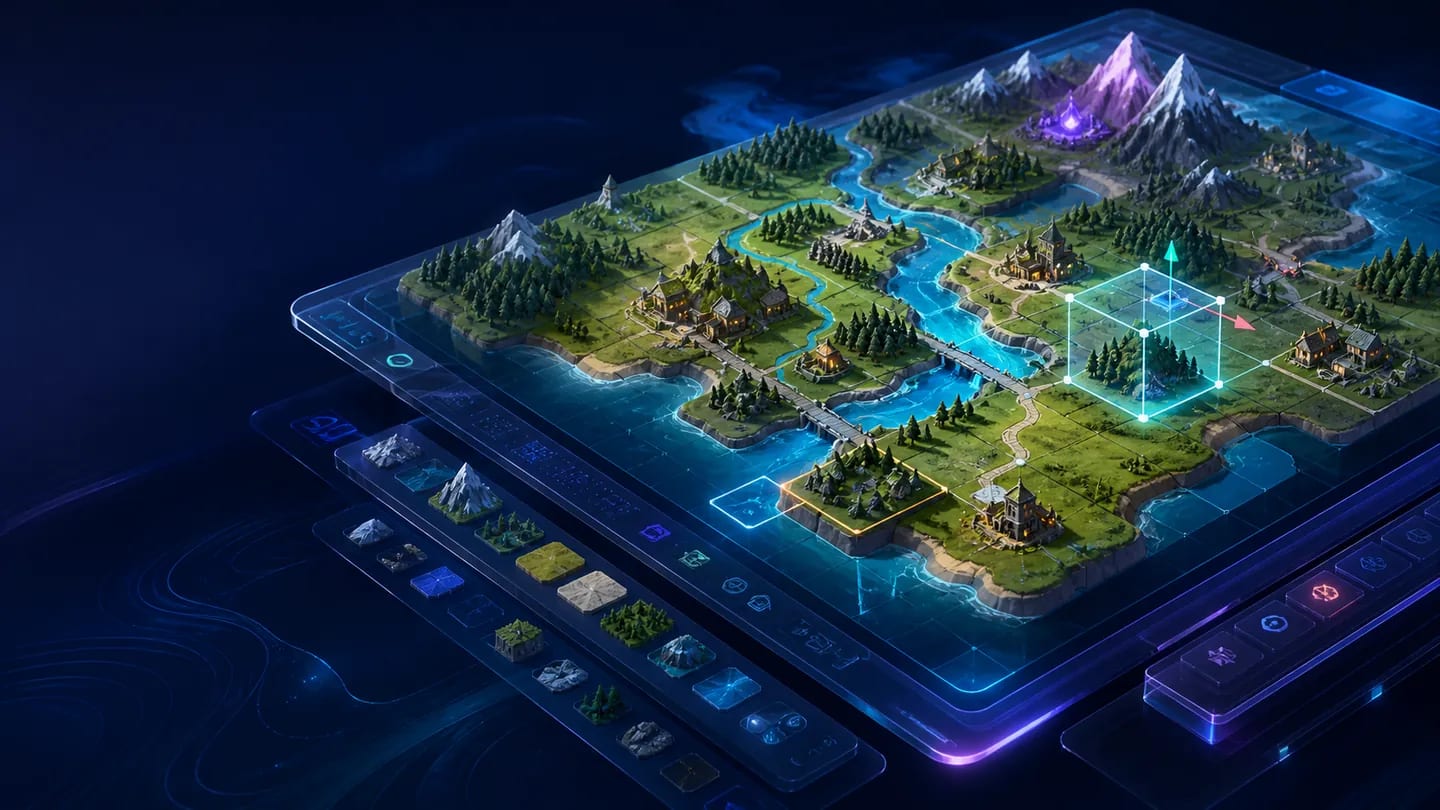
Terrain painting, rectangle fill, object placement, river drawing, collision shapes, and marker points. Multi-layer, with 2D and 2.5D side by side.
ViewFREE GAME MAP EDITOR IN YOUR BROWSER
A professional cloud map editor for game creators. Paint terrain, place objects, manage layers, track versions, and export directly to Godot or Cocos Creator — all in the browser, completely free.
WHAT YOU CAN DO
From the first terrain tile to a working import in your engine — no tool-switching required. One browser tab, the whole workflow.
Terrain painting, rectangle fill, object placement, river drawing, collision shapes, and marker points. Multi-layer, with 2D and 2.5D side by side.
ViewEvery change saves automatically. Snapshot key milestones and roll back any time. Switch computers and pick up exactly where you left off.
ViewExport a .mapedit package with ready-made Godot and Cocos Creator plugins. Drag it into your project — all objects, layers, and collision data intact.
ViewPNG, WebP, BMP. Auto-extracts transparent outlines. Built-in isometric calibration. Assets travel with the project and are fully packed on export.
ViewOpen classic Mir2 format maps directly. Edit them in the cloud editor and export — no manual conversion needed.
ViewGenerate a public share link. Anyone can view your map without an account. Version-stable — later edits won't alter the shared view.
ViewEXTEND YOUR WORKSPACE
Discover community assets and official tools from one account. Ownership, purchase rules, and eligibility are always visible.
ASSET MARKETPLACE
Find map asset packs made by other creators. Purchases go straight into your cloud library and are available in any project.
Browse the marketplaceOFFICIAL APPS
Connect official extension tools for batch export, map diagnostics, and automation — turning repetitive tasks into one click.
View official toolsHOW IT WORKS
The whole pipeline lives in one tab. No file juggling, no format hunting.
Pick 2D or 2.5D mode, set the map size, or import from a local file or template.
Brush terrain, drop objects, draw rivers, add markers and collision shapes. Full layer control.
Autosave runs in the background. Snapshot milestones manually. Roll back any time.
Generate a .mapedit package with Godot and Cocos plugins included. Drag and drop into your project.
FREE TO START
Register and immediately get map editing, cloud saves, version history, and export. No subscription, no hidden paywalls on core features.
READY WHEN YOU ARE
Register a free account and open the editor. In a few minutes, you'll have a working map ready to import.